I can remember a screen and still need to inspect several files to understand how I got there. While I am deep in a project, many decisions seem obvious. The harder question is which ones will still be obvious when I return.
In the journal, I want to preserve what I am learning. Project documentation needs to do something more practical: help me continue working without reconstructing every step from memory.
Those spaces are related, but they serve different purposes. An article can spend time on an experience. A project note should help me find where to make a change and what to check afterwards.
An entry point for starting again
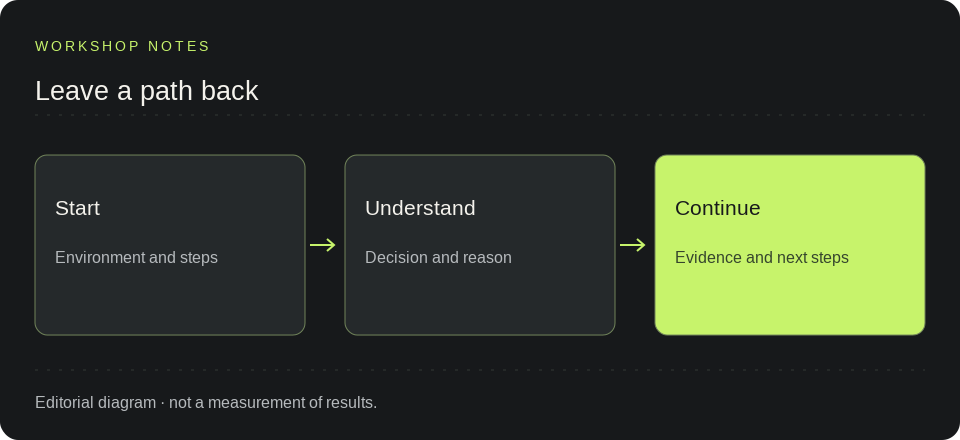
First, I want to find how to run the project: which environment version it needs, what to install and which command I actually use.
This portfolio has an old version and a new one. That makes the working directory and production output important too. A correct command in the wrong place can lead me to inspect a different site.
I try to keep that entry point short and verifiable. If I follow the steps and find an important condition missing, the documentation is not doing its job yet.
Record the reason for a decision
A change list tells me what I did, but sometimes leaves out what I need most: why I chose that approach.
Keeping the previous portfolio at its own route has a specific intention behind it. So does separating the clock from weather requests. I can find the result in the code; a short note helps me recover the reason.
One way to write it is to record context, the decision and its consequence. If I rejected another option for a reason that still matters, I can note that too. Every spacing adjustment does not need a complete document.
Separate finished work from pending work
A useful pending task should let me act. “Improve the journal” leaves many possibilities open. “Check that the language selector opens the equivalent English article” defines a specific review.
I also want to distinguish implemented changes from proposals. A draft article can have an editorial date without being ready for the public site. Saving an idea for a visual improvement does not mean it has passed a mobile check.
That distinction helps me avoid treating an old note as a description of the current state. If something has changed, I need to update the reference or make clear that it belongs to the history.
Note how I checked the change
Writing “it works” is not enough for me. I prefer to record which journey I followed and what I observed: a route, a screen size, an executed test or the behavior of an error state.
If I only read the code, I want to say so. Opening the page and trying an interaction is another kind of check. Recording both helps me see what remains when a problem appears.
I do not need to log every attempt. I want to keep the evidence that explains the final decision and lets me repeat a review when necessary.
Use AI to organize the notes
AI can help turn rough notes into a guide, summarize a change or locate references that are out of date. It works better when I start with real files and results.
Then I need to check the text. A guide can describe a command I no longer use or label an article as published while it is still under review. Without verification, the explanation ends up describing a different project.
I also consider what to save. Notes can explain a service’s configuration without containing passwords, tokens or private data. I want useful documentation without duplicating sensitive information.
Keep it useful after writing it
A folder full of files does not make documentation complete. I need a clear entry point and links that lead to details without making me read the entire history.
When I finish a task, I want to check whether its changes affect the starting instructions. A small capability might only need a changelog note. If the way the site is built or published changes, the main guide needs updating too.
That is what I want these notes to do: let me return, understand where I am and take the next step. A short explanation that matches the project is more useful to me than pages I can no longer follow.
AN IDEA TO SHARE