Building Radar as a personal project was not easy. Imagining what I wanted to make was one thing; getting all the pieces to work together was another. With a little help, I kept finding ways forward.
I can now put a screenshot in my portfolio, but it leaves out the questions, adjustments and things I had to learn to get to that screen. I want to tell that part of the story too.
From an idea to something I could use
Radar Tlaxcala is a monitoring and information-intelligence platform I developed within Altiora Studio. It brings together public information, news and political activity in Tlaxcala to support exploration and analysis.
Because I was building the project on my own, I had to move between thinking about how it should work and figuring out how to make it happen: connecting the information, organizing it, building screens and getting it deployed.
Along the way, I started using AI for specific tasks. It helped me work through a question, prepare something I would review later or cut down on repetitive work. Gradually, I found where it was useful and where I needed to stop and work things out myself.
Checking what I might have missed
One useful role for AI is drafting tests. I can give it context about a function or flow and ask for cases worth checking, including failures or responses I had not expected.
Then I need to read those tests. A test can pass while checking something that does not matter much. I review the behavior it is meant to protect, whether its expectations make sense and whether it would actually catch a problem.
It helps me most when I use it to raise questions about the code rather than simply asking it to make everything pass.
Write things down while I still remember the decisions
Working alone makes it easy to leave documentation for later. At the time, I understand why I changed something and expect to remember it. A few weeks later, it is not always so obvious.
AI helps me organize notes, draft documentation and turn a loose explanation into steps I can follow again. I check that it describes what actually exists and add the reasons behind the decisions.
I want to return to the project and understand how to run it, what depends on what and what to check before changing something. A polished explanation loses its value if it does not match the application.
Explore images and explain with diagrams
I also use AI to help generate images and explore visual ideas. It lets me try a direction before spending more time on it. Choosing what fits the site, adjusting the result and deciding where to use it are still my work.
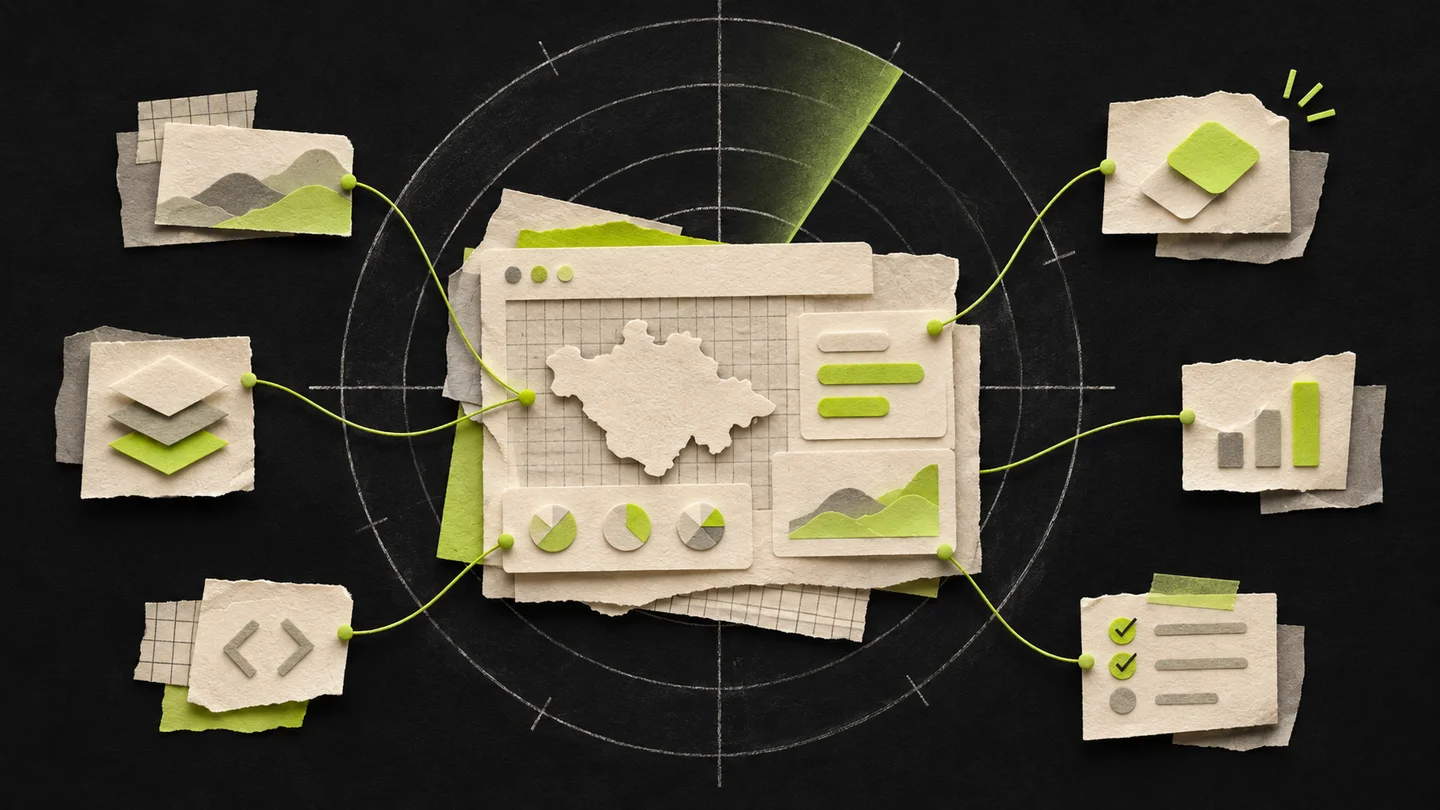
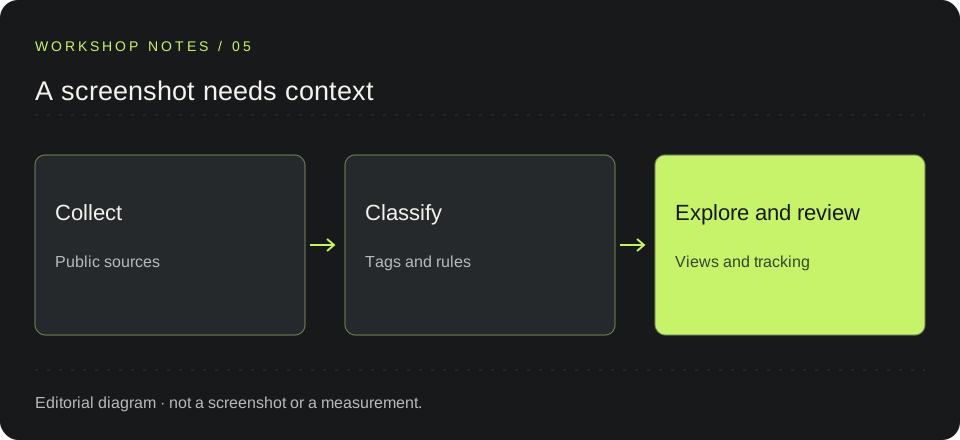
I use diagrams to take an idea out of my head and make it easier to follow. The diagram in this entry is an editorial sketch of the information flow. It is not a Radar screenshot or a complete architecture diagram.
To show a real screen, I need to show that screen and explain what is happening. An illustration serves another purpose.
Automate the things I will repeat
Another useful role is helping me prepare scripts and tasks I will run more than once. I can ask for a starting point, review the proposal and adapt it to the project.
Before using an automation, I need to understand what it will do, which files it could change and how to check the result. Saving repetitive work makes sense if I can then maintain the tool without asking the same questions all over again.
That is why I try to keep these tools small and understandable. Being able to automate something does not mean I need a huge process around it.
What I want my portfolio to show
I want Radar to show that I can take a project from an idea to an implementation and continue working on it afterwards. AI is part of how I do that: it helps me draft tests, organize documentation, explore images and reduce repetitive work.
I still need judgment to review its suggestions and knowledge of the project to decide what is useful. That part deserves a place in the portfolio too.
The Radar Tlaxcala project page covers the scope and technologies. Here, I wanted to describe something the screenshot leaves out: how I use a tool while taking responsibility for what I build.
AN IDEA TO SHARE