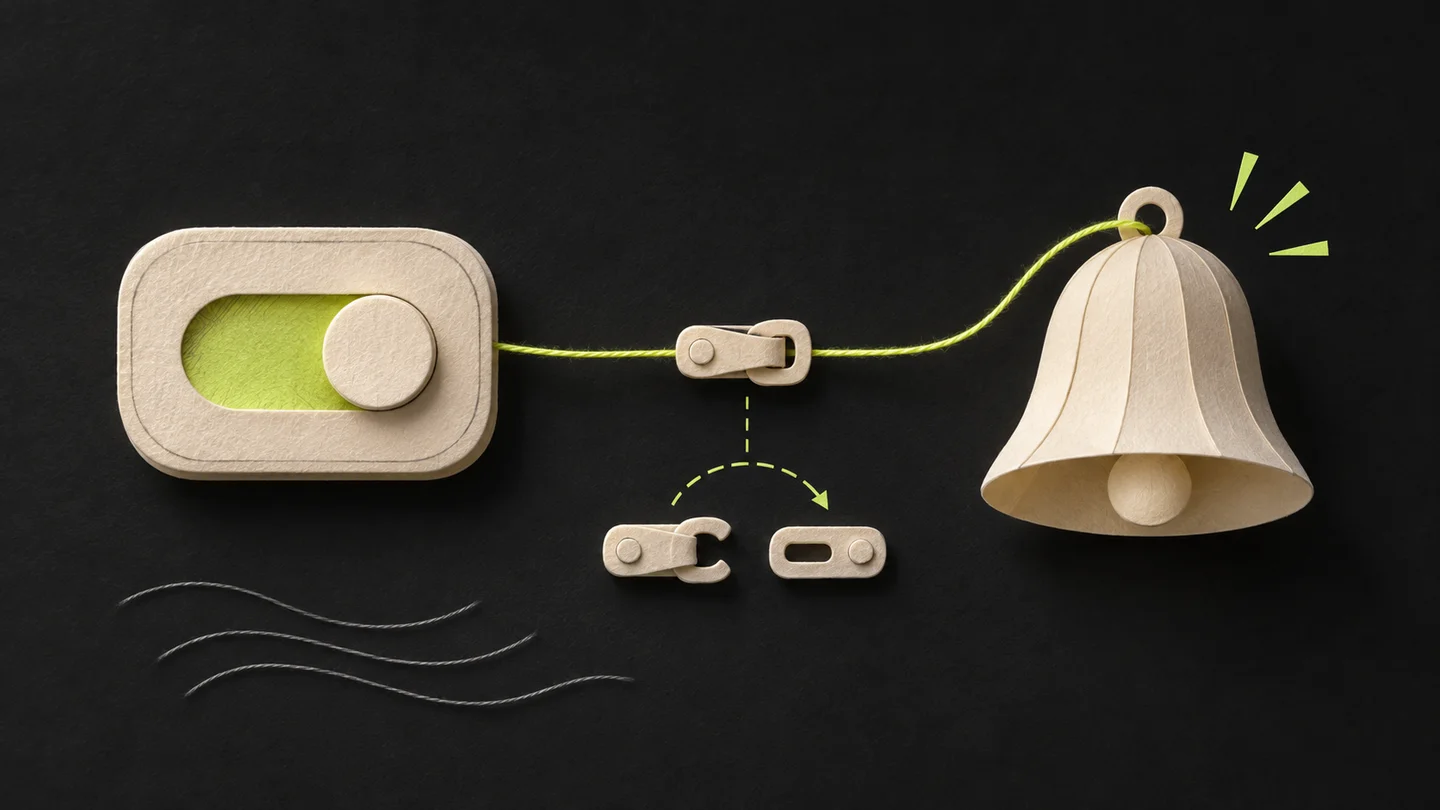
A button can look right and still behave strangely: responding twice to one click. When I review an interaction like that, I start with its wiring before adding conditions to hide the result.
Was the component initialized once? Did opening the panel register its events again? Did the previous view leave a subscription active?
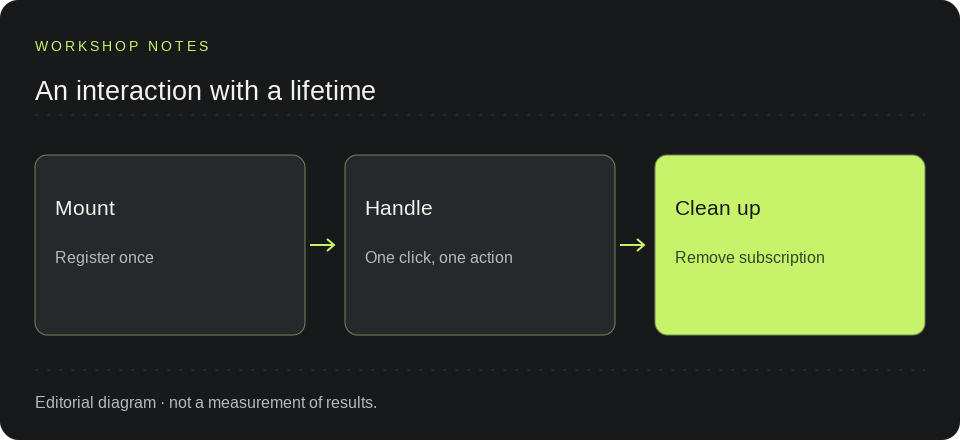
These small questions change how I organize JavaScript. An event subscription needs a beginning and an end.
The click is not always the problem
Running an initializer twice can create two different anonymous handlers. Identical function bodies do not make them the same function object.
This matters for panels that mount and unmount, navigation without a full reload, or widgets initialized again. I do not need an elaborate event system for every screen; I need to know who registers each interaction and when it stops being needed.
My first check would cover the whole cycle: open, interact, close and reopen. Testing only the first click misses much of the problem.
Give the subscription an exit
This teaching example receives an existing button and output element. Every mount returns a cleanup function:
function mountCounter(button, output) {
  const controller = new AbortController();
  let count = 0;
  output.textContent = String(count);

  button.addEventListener('click', () => {
    count += 1;
    output.textContent = String(count);
  }, { signal: controller.signal });

  return () => controller.abort();
}
The caller must save and run that cleanup before replacing the counter. Creating a controller does not make mounting idempotent: mounting twice without cleanup still creates two counters.
The MDN addEventListener reference documents signal-based removal. I use it here to define a subscription’s scope, not to cancel every kind of work in the view.
Resources need their own cleanup
If the handler starts a timer, removing the listener does not clear that timer. I need its identifier and an appropriate cleanup step. Observers and other resources also have their own disconnection methods.
Keeping those exits near setup lets me see what opens and closes without searching the whole file.
The once option serves a different purpose: listening for one execution. It suits some one-off actions but does not fix duplicate mounting for a button that must remain usable.
Keep the interaction’s semantics
I use an actual button for an action. I would rather keep the browser’s focus and keyboard behavior than rebuild it with a div.
I also inspect visible feedback. The journal’s copy-code button worked, but its confirmation appeared far from the block. Showing “Copied” next to the example made an existing action easier to understand.
Handling an event and communicating its result belong to the same journey.
Check the behavior that matters
For the counter, I can verify that one click adds one, clicking after cleanup changes nothing, and remounting produces one responsive counter again.
AI can suggest lifecycle cases or point out resources I forgot to close. I still need to run those cases, particularly when navigation or multiple component instances are involved.
I am not trying to fill an interface with controllers. I want to explain why each interaction remains active and who will remove it.
AN IDEA TO SHARE