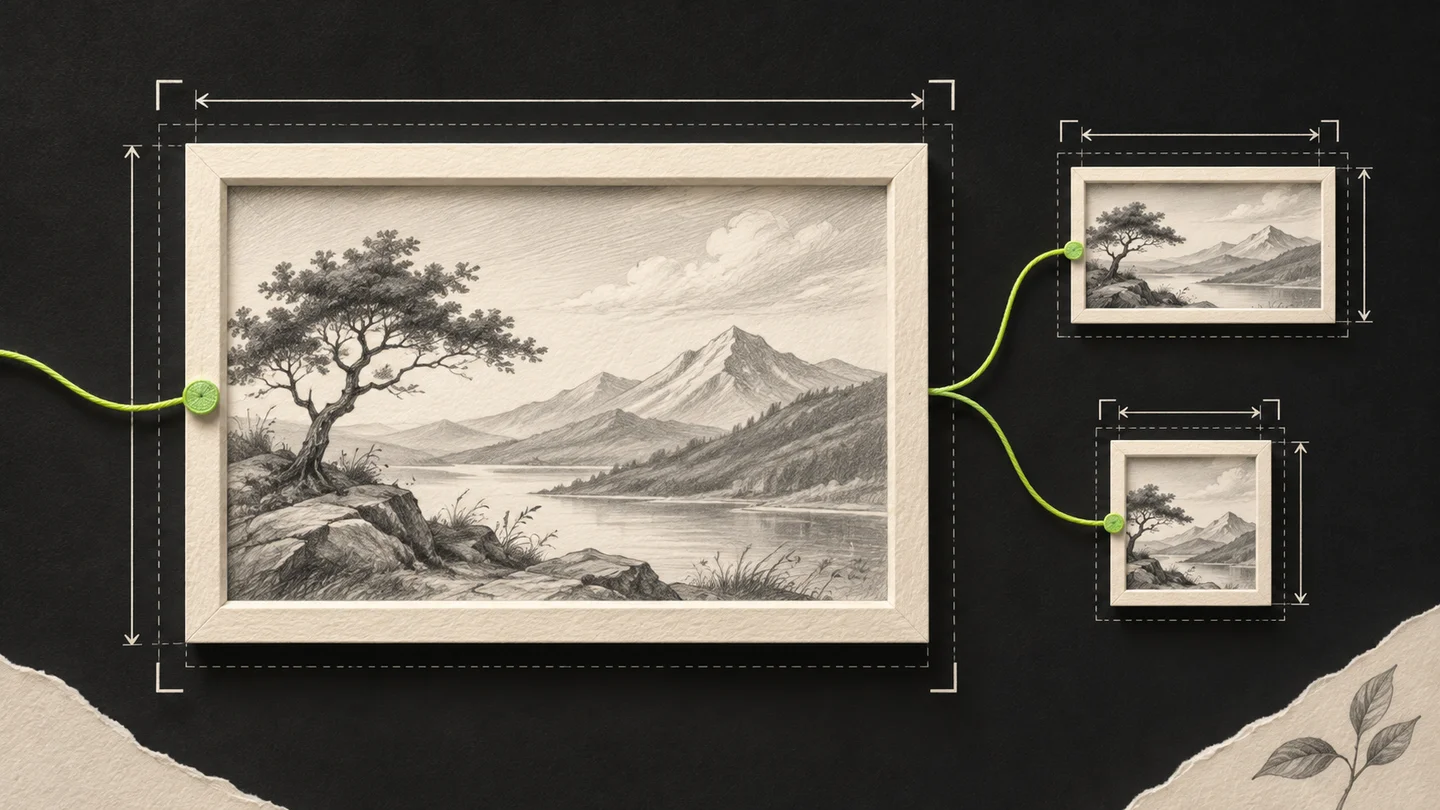
Converting an image to WebP can help, but leaves questions open: how much space will it occupy, which file will download and when will the browser request it?
An editorial cover and a catalog card may require different choices. The main image deserves different attention from a card several sections below.
I want optimization to belong to component design rather than a final compression pass.
Reserve space before download
Dimensions express the resource’s aspect ratio. CSS can then adapt its width without leaving the download to unexpectedly reposition following text.
This illustrative example requires generating the named files before use:
<img
  src="/images/guide-960.webp"
  srcset="/images/guide-480.webp 480w, /images/guide-960.webp 960w"
  sizes="(max-width: 700px) 90vw, 640px"
  width="960" height="540"
  alt="Three queue stages: capture, review and publication"
  loading="lazy"
>
Here sizes describes expected presentation width; it does not set the rendered width itself. Component CSS needs to match that intention.
Offer sizes matching their use
Every card does not need the largest original. srcset and sizes provide candidates and describe their display space so the browser can choose for its conditions.
I would inspect currentSrc and the element’s actual width at different viewport sizes. A small file is not useful if it lacks sufficient resolution.
The MDN img reference covers these attributes. Resources must actually be generated: listing two filenames does not create variants.
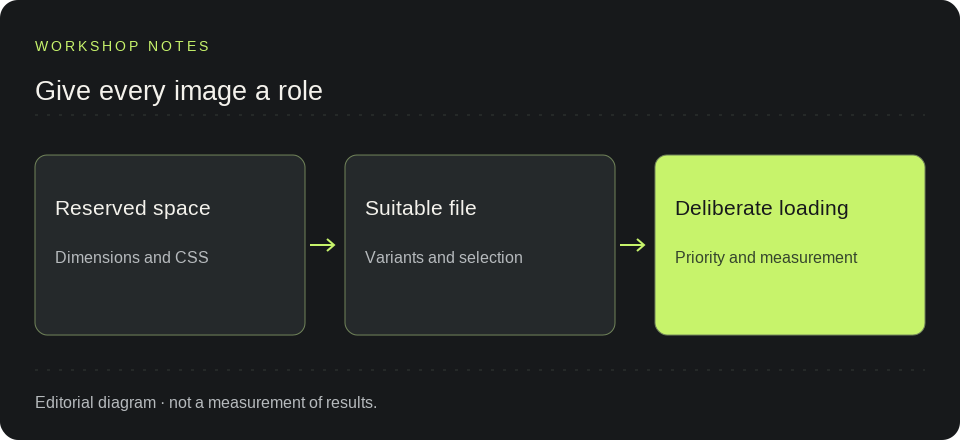
Decide what can wait
The example above is for a secondary image. I would not automatically lazy-load a primary LCP candidate.
The LCP optimization guide recommends early discovery of that resource. fetchpriority high can help signal an important candidate; assigning it to every image does not establish useful priority between them.
First I need to identify the measured LCP element and inspect its request. A large cover will not necessarily be the measured element under every condition.
Describe the image’s role
Alternative text should explain the image’s contribution. An explanatory screenshot needs meaningful description; decoration can use empty alt.
I do not want keyword stuffing in alternative text. A diagram may also need a fuller explanation in surrounding content rather than one endless alternative sentence.
Accessibility, understanding and SEO share some of this care, but every attribute is not a formula for better rankings.
Compare under meaningful conditions
I would record the selected file, transferred bytes, rendered size and request timing, repeating the journey with comparable connection and cache conditions.
Then I would inspect LCP and visual stability without confusing lab improvements with real visitor data. I would also avoid attributing metric changes solely to an image if fonts or JavaScript changed simultaneously.
AI can help generate variants or locate components missing dimensions. Visual and network inspection remain necessary to understand delivery.
Give image delivery an intention
I want visual quality without unnecessary device work. Sometimes that calls for another resolution, sometimes a different priority or better reserved space.
Optimization also organizes how a page arrives. That order becomes clearer when each image has a defined role.
AN IDEA TO SHARE