I wanted TARS nearby while I work. A small desktop pill can show information without making me open another application each time. Staying visible also brings a responsibility: letting me use what is underneath.
On the web, I usually think about a component’s visible area. In a desktop application, another surface matters: its native window. It can be transparent and still receive mouse input.
That difference became one of the overlay’s more interesting decisions.
Transparent areas can still get in the way
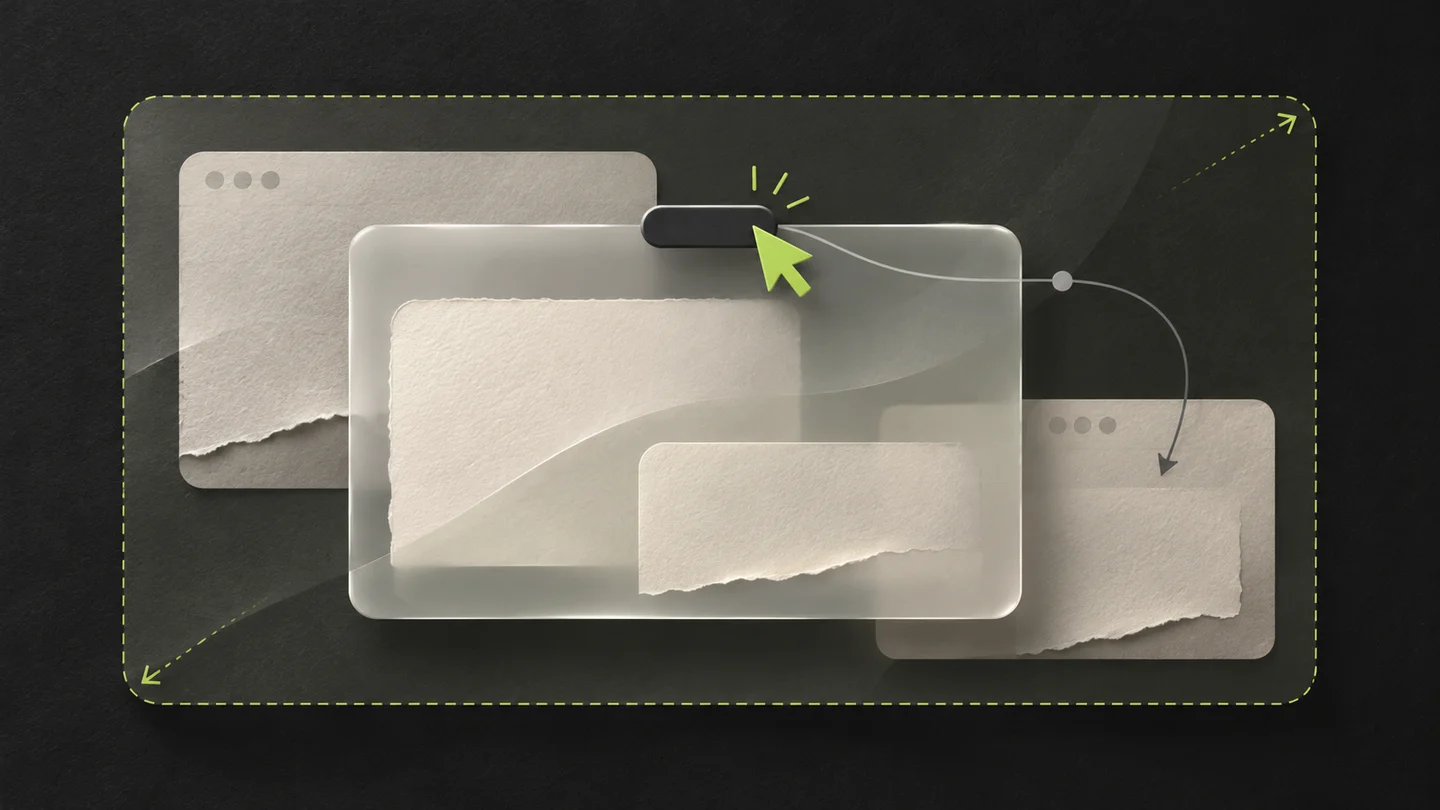
TARS uses Tauri, React and a Rust backend. In overlay mode, the pill lives inside a transparent window larger than the visible shape.
If the whole window received input, it could block an application underneath even where nothing was drawn. Visual transparency did not solve interaction by itself.
I wanted the pill to respond in its intended area while clicks passed through the surrounding space.
Separate the window from the visible shape
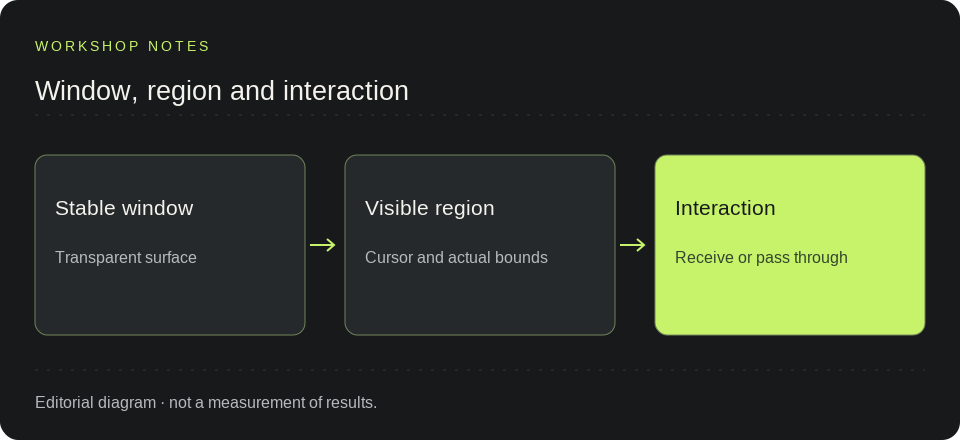
The implementation keeps a stable native window and communicates which fraction is interactive, centered at the top.
Code comments record the reasons for that approach: clipping with a native region produced an unwanted light surface, while resizing could flash older webview content during transitions.
Rather than making the window follow every visual change, the strategy keeps its surface stable and adjusts where it participates in interaction.
Use compatible coordinates
The backend compares cursor position with the actual window rectangle. It stores the region as a fraction of that rectangle rather than duplicating the coordinates the interface expected.
This helps handle scaling and differences between requested and actual placement. Cursor and window bounds are read in the same coordinate space.
Outside the region, TARS enables event passthrough; inside, it restores interaction. This is a periodic check, not a cost-free mechanism or a guarantee for every monitor setup.
Floating and reserving space are different choices
TARS also has Sidebar and AppBar modes. Sidebar floats along the edge; AppBar asks Windows to reserve a desktop strip.
Reservation uses messages such as ABM_NEW, ABM_QUERYPOS and ABM_SETPOS. Leaving the mode releases the registration. Microsoft’s AppBar documentation explains how the system manages that area.
These are different relationships with other windows, not simply three interchangeable appearances.
What I would keep checking on the desktop
A complete review needs to cover edges, pill expansion, monitor changes and different scaling settings, as well as fullscreen applications. A coherent calculation in code does not replace those checks.
This entry describes the implemented strategy, not measured latency or universal compatibility. The project evolved from an open MIT-licensed base; I want to explain TARS’s current decisions while respecting that origin.
A quiet interface is also defined by what it allows around it. The TARS project page provides an introduction to the application.
AN IDEA TO SHARE