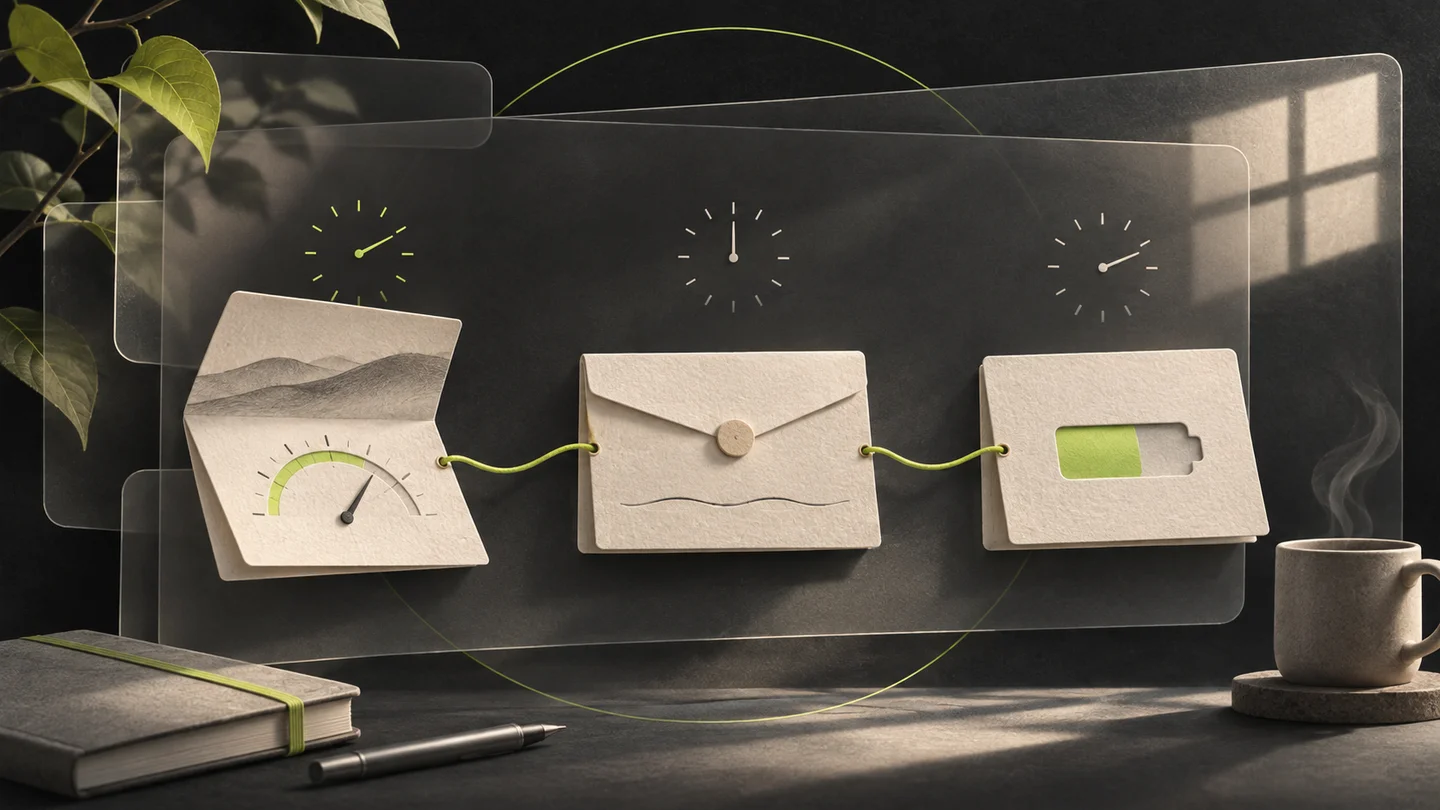
Showing CPU, memory or battery looks like a small task: request a value and display it. The question changes when the application stays open while I do other work.
If I collapse a widget, should it keep requesting metrics? Do I need temperature readings when I am not displaying them? Those questions belong to TARS’s panel implementation.
This entry looks at one strategy: connecting periodic work to what is enabled and to window visibility.
An interval needs a reason
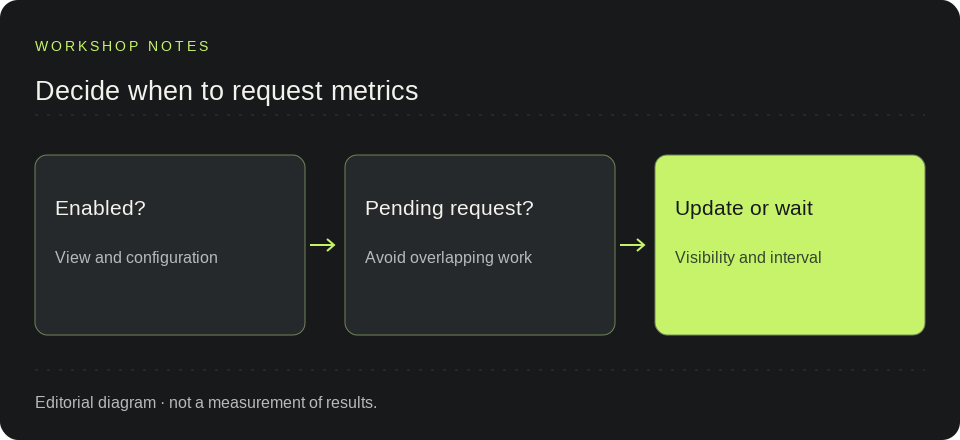
The statistics hook receives an enabled signal. When disabled, it does not start periodic requests and clears the displayed reading.
When active, it requests backend data through a Tauri command. Hiding the document stops the interval; becoming visible requests a fresh reading and restarts the cycle.
That avoids treating a timer as something that starts once and keeps running regardless of the interface.
Avoid overlapping requests
The function checks for an existing pending request before starting another. It also avoids updating state after the hook unmounts.
Those checks address different problems: simultaneous requests and applying a result to an inactive view.
Unmounting does not cancel a native operation already in progress. The code prevents new requests and discards updates after unmounting; that is the scope of the claim here.
Request the metrics that were actually selected
Temperature and network throughput use explicit options. Temperature can require an additional system read and depends on an accessible sensor.
When a reading is unavailable, the interface needs to acknowledge that absence. An invented number is not useful simply because it fits the card.
The interval also considers low battery. When started, it uses a longer delay if the available data indicates less than 20 percent and the device is not charging. That is not an instant adjustment to every battery change: when the interval is recalculated matters.
Hiding a metric does not mean pausing everything
The widget container can unmount content when collapsed. It also supports keeping content mounted for state that must continue, such as a focus timer.
Notifications are another exception. Capturing them should not depend on whether their reading list is open. “Stop everything that is not visible” is not a rule I want to apply to every module.
The strategy is to distinguish work that only serves a view from processes with an independent responsibility.
How I would check it
I would count invocations with the widget open, collapsed and the document hidden. Then I would check returning to the view, slow responses and unavailable sensors.
Measuring consumption would also require a recorded device and test conditions. The request policy explains which work is avoided; it does not establish how much battery was saved.
I reviewed code and structure for this entry. It is not an energy benchmark performed for the article.
A panel that knows when to wait
I want TARS to accompany work without turning every available value into a permanent request.
Deciding when to stop polling became as important as deciding what to show. Other applications raise the same question: which work remains useful when someone is no longer looking at that component?
The first entry in this series covered desktop space. This one looks behind that surface.
AN IDEA TO SHARE